gnoblin.configure.shortcuts
Define and edit command shortcuts, including media keys, by name. Entries merge with the same name; fields you omit keep their previous values. Set enable = false to disable an imported shortcut.
gnoblin.configure {
    shortcuts = {
        terminal = {
            binding = "<Super>Return",
            command = {"ptyxis", "--new-window"},
        },
    },
}
See the shortcuts guide for key names, conflicts and command behavior.
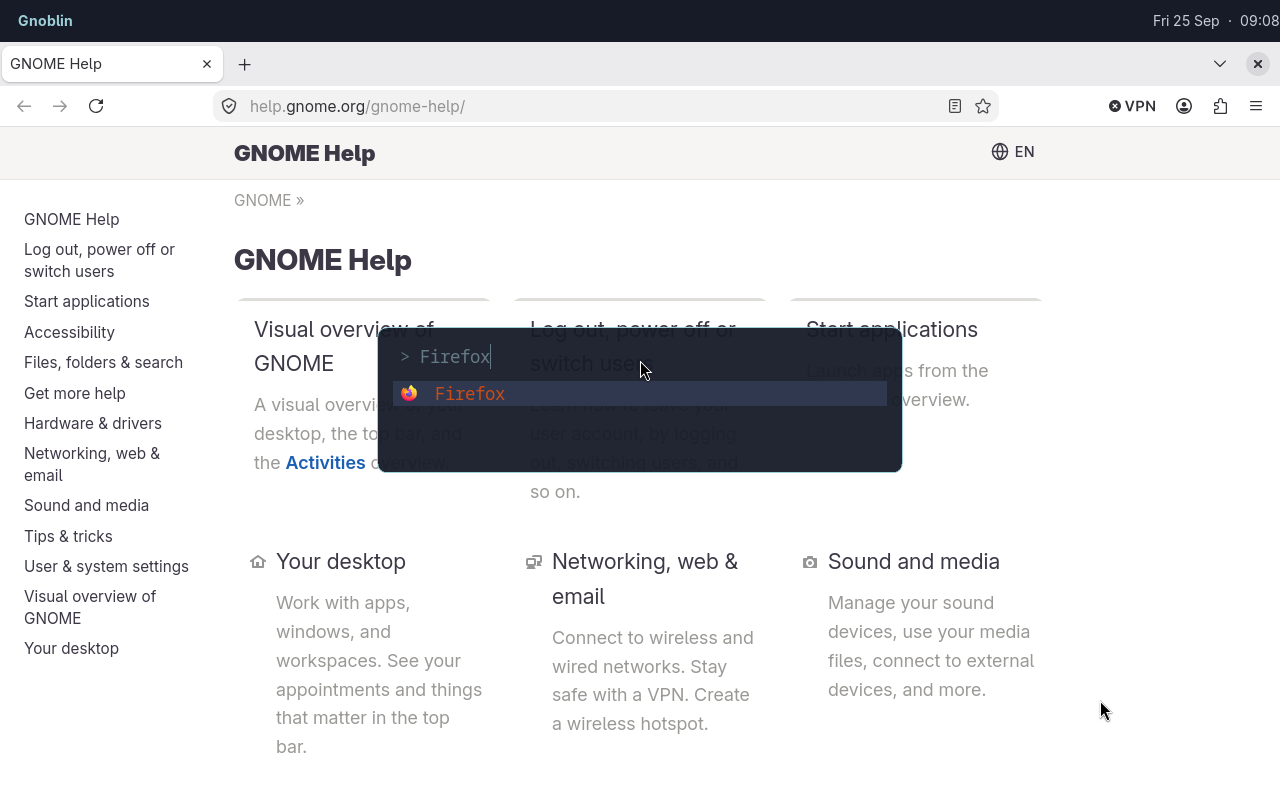
The Gnoblin shortcut opens Fuzzel; Firefox is the selected result.
Run a built-in action
An action names an existing GNOME keybinding as group.key. Accepted namespaces are gnome:shell, wm, mutter, and wayland. Each maps to a GSettings schema, and the key must exist in that schema on your GNOME version.
Run gsettings list-keys SCHEMA to discover keys. Run gsettings describe SCHEMA KEY to read one key's purpose.
| Field | Accepted values | Meaning |
|---|---|---|
action | "gnome:shell.KEY", "wm.KEY", "mutter.KEY", or "wayland.KEY" | Selects a built-in action from that schema. Use underscores in Lua key names. |
binding | GTK accelerator string for a command; array for an action | Required. An empty action list disables its current binding. |
command | Nonempty array of strings | Alternative to action; runs the program directly without shell expansion. |
Set exactly one of action or command:
gnoblin.configure {
    shortcuts = {
        close_window = {
            action = "wm.close",
            binding = {"<Super>q"},
        },
    },
}
This binds Mutter's close action. GNOME's Gio.Settings reference explains schema-backed settings; Gnoblin's keybinding reference lists all groups and shows how to find keys on your system.
The named view lets later files inspect and edit imported shortcuts. Each entry exposes public snake_case fields. pairs visits the names already loaded:
for name, shortcut in pairs(gnoblin.configure.shortcuts) do
    print(name, shortcut.binding or "built-in action")
end
The bundled config supplies these names:
| Keys | Shortcut names |
|---|---|
| Volume | volume-up, volume-down, volume-mute, microphone-mute |
| Brightness | brightness-up, brightness-down |
| Playback | media-play-pause, media-next, media-previous |
| Files | files |
To disable one after loading the bundled config:
gnoblin.configure.shortcuts["volume-up"].enable = falseRun gnoblinctl shortcut capture to print the GTK accelerator for a key combination. Escape cancels; capture times out after 30 seconds by default. See the shortcuts guide for timeout options and behavior.
Type definition
Every named entry uses exactly one of command or action. ? marks optional fields; | separates alternatives.
gnoblin.configure {
    shortcuts = {
        ["shortcut-name"] = {
            binding = string | {string, ...} | {},
            command = {string, ...}?,
            action = string | {schema = string, key = string}?,
            trigger = "press" | "release"?,
            capture_input = boolean?,
            enable = boolean?,
        }, ...,
    },
}