Integrate a desktop shell
These APIs are for shell authors. Desktop configuration starts with the configuration guide.
For session status, input sources, live feature switches and permission state, see the org.gnoblin.Shell D-Bus reference.
Dock animation targets
A dock can tell Gnoblin where each window's icon appears. Minimise and restore animations then use that rectangle.
With Quickshell, call Toplevel.setRectangle using coordinates relative to the dock's PanelWindow:
function updateTarget(toplevel) {
    const point = icon.mapToItem(dock.contentItem, 0, 0);
    toplevel.setRectangle(dock, Qt.rect(point.x, point.y, icon.width, icon.height));
}
Update after layout changes and when a window joins a group. Give each grouped window the same icon rectangle before minimising it.
A zero-size rectangle clears the hint. The hint also clears when its surface or window handle disappears.
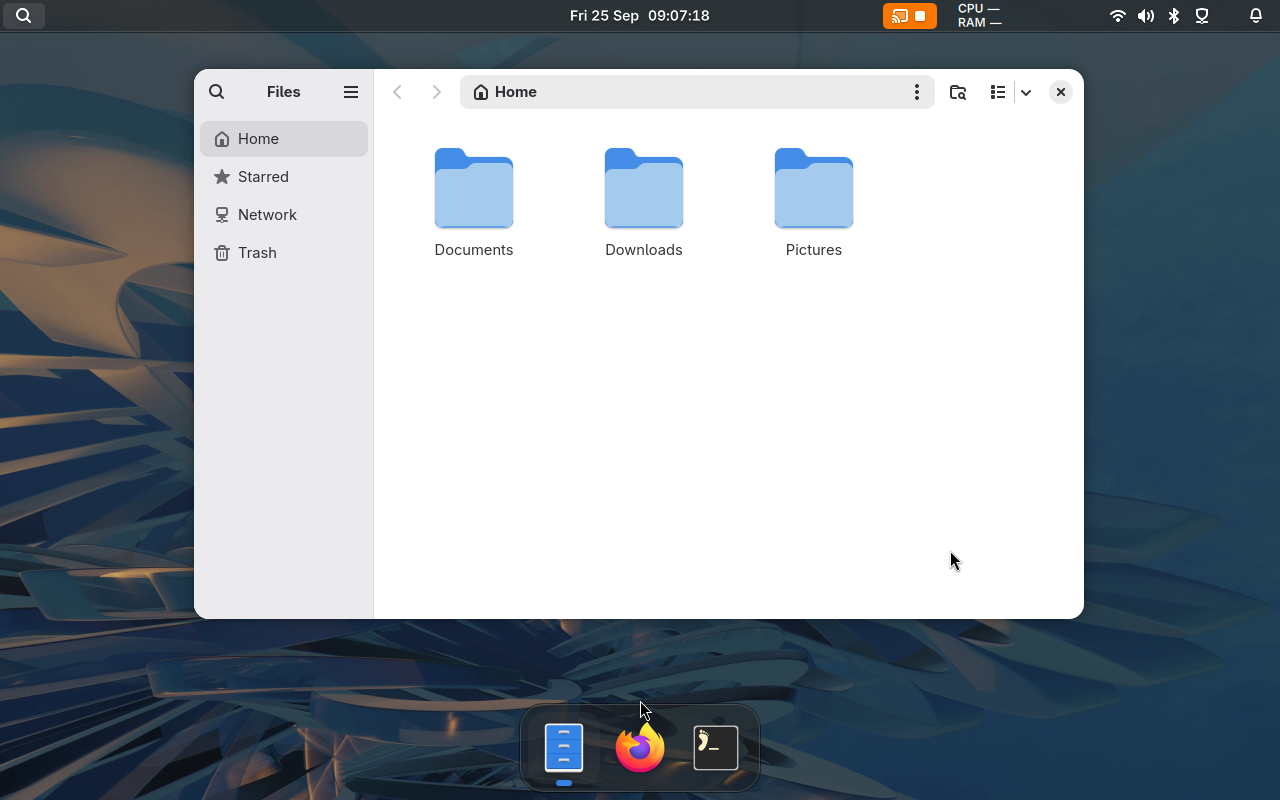
Bingux is one separate shell project using Gnoblin; its dock can provide icon targets.
Layer placement and animation
During entry and exit animations, Gnoblin moves the displayed panel without asking the client to resize its buffer. Space reserved for the panel (its exclusive zone) stays unchanged, and it remains on the same monitor.
When a panel changes size, Gnoblin keeps its previous buffer aligned to its chosen edge until the client submits the new buffer. The client must still set its Wayland anchors and margins correctly.
Use a namespace rule with animation = "none" when the client owns its whole-surface transition. See animations.
Input and window control
Choose a window interface based on what the shell needs:
| Interface | Use it for | Data and limits |
|---|---|---|
ext_foreign_toplevel_list_v1 | A portable, read-only window list | Mapped windows, identifier, title and app ID. The identifier lasts only while the window is mapped; no active state or control requests. |
zwlr_foreign_toplevel_manager_v1 | A protocol-based taskbar or switcher | Title, app ID and state; requests for activation, close, minimize, maximize and fullscreen. Check state events for results. Gnoblin omits optional output_enter and output_leave. |
| Compositor bridge | A Gnoblin-specific shell | Live window snapshots, actions, previews, workspaces and input sessions over Gnoblin's runtime socket. |
See the Wayland protocol catalogue for advertised globals and versions. For persistent keybindings, use the Lua shortcut config. Use the window-menu contract for titlebar menus and the snapping contract for layout pickers.